LLumin Version 21.9 Release Notes
Disconnected Mobile App
LLumin READYAsset Mobile App
- We are proud to announce the release of the brand new “LLumin READYAsset” mobile app that can be found on the Apple store and Google Play store. A full User Guide will be available soon.
- The “LLumin READYAsset” mobile app should be used in lieu of the previous “LLumin Mobile” mobile app.
- Version 21.9 is required to use the “LLumin READYAsset” mobile app, please reach out to LLumin Support at support@llumin.zendesk.com for assistance in updating your LLumin environment if needed.
LLumin READYAsset configuration and sync
- The configuration screen can be found by opening the LLumin READYAsset mobile app and tapping the gear button on the login page as shown below:
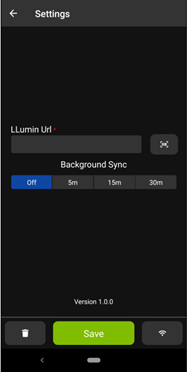
- You can enter the same URL that is used for the core app (For example - https://apps.llumincloud.com/LLuminDemo)
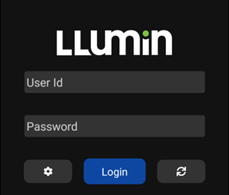
- You can sync right from the login screen by clicking the circle arrow as shown below:
Minor Changes
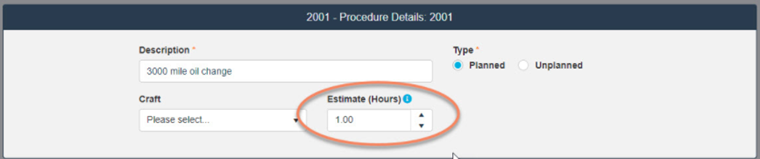
- An issue was addressed to correct the Estimate (Hours) field in the Procedure entry screen as shown below:
- An issue related to the Signature Data Collection Step type introduced in the latest Chromium version was addressed.
- An issue preventing the Item Type and Class from displaying in the Item Reorder List was addressed.
- Marking a Work Order as Close Not Complete will now count towards Recurring Work triggers based on Completion Date.
- We have added additional support for Spanish language translations.