Work Order Types:
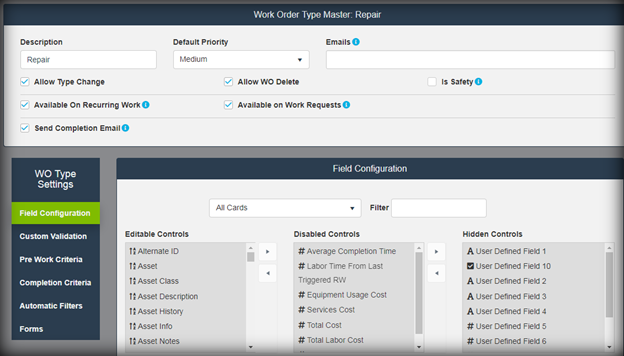
Work Order Type Management allows configuration of how work orders of each type will be managed in READYAsset. Allows selection of Pre Work and Completion Criteria of field selections required. Also allows configuration of work order fields. Each field can be re-captioned, made required, made read only or hidden. User Defined fields can be created with optional validated responses and made required
Work Order Priorities:
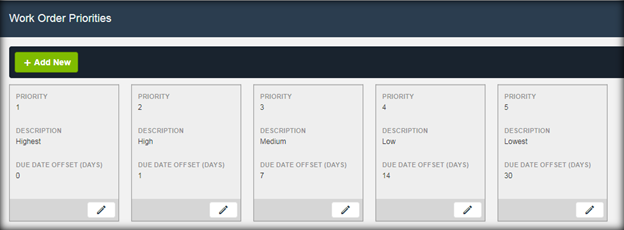
Work Order priority options to be selected at work order creation. Priority can be used to set default due date for work orders.
Asset Status:
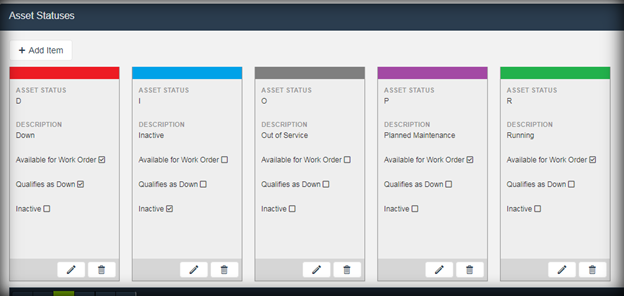
Asset Status is tracked dynamically in READYAsset. Status set automatically on selection of Down Asset as Reason for Work, can be changed manually at any time. Allows selection of color for symbology representation in finders.
Reason for Work:
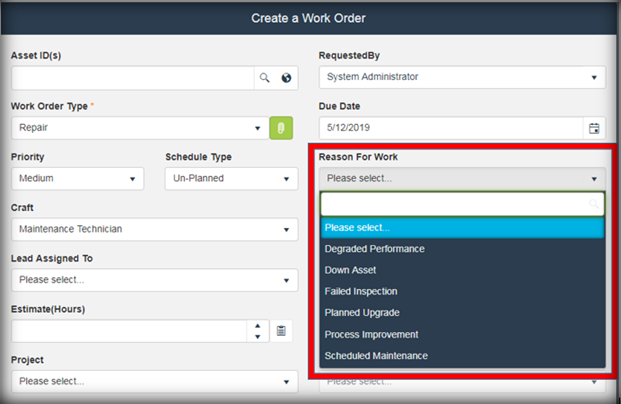
Used on Work Order creation for requester to indicate reason why work order created. If 'Down Asset' is selected, asset status is automatically change to down and downtime timer is started.
Cause of Failure:
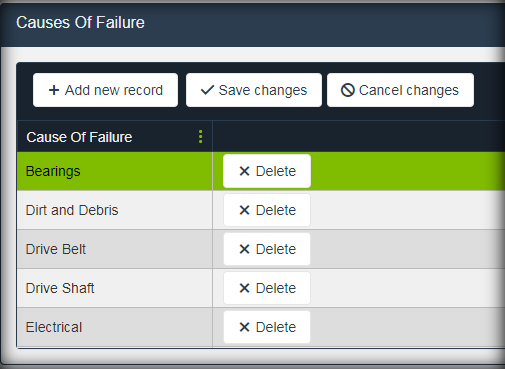
Used on Non RW Work Orders to allow technician to specify why the asset needed repair. Can be made a required entry on work order close.
Asset Types:
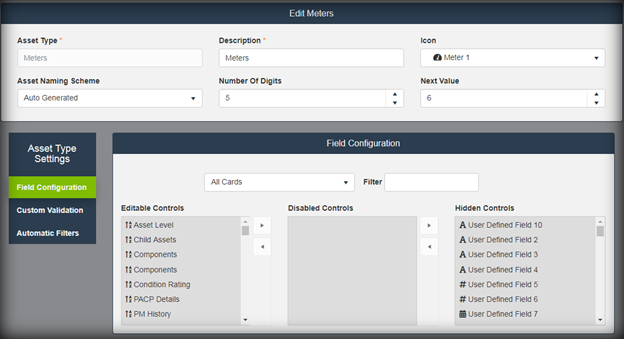
Asset Type Management allows configuration of how assets of each type will be managed in READYAsset. Allows configuration of asset fields. Each asset master field can be re-captioned, made required, made read only or hidden by the asset type. User Defined fields can be created with optional validated responses and made required. For example, an asset type ‘Vehicles’ can have User Defined Field 1 re-captioned to ‘VIN Number’ while asset type ‘Pumps’ can have User Defined Field 1 re-captioned to ‘Gallons Per Minute.’ The ‘VIN Number’ UDF can be a free text field while the ‘GPM’ UDF can have a list of predetermined options to select from.
Asset Class:
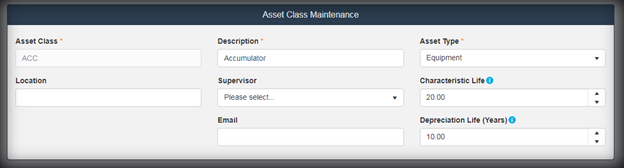
Asset Class Management allows determination of attributes for assets created within that class. Assets will inherit these attributes, but these can be edited at the asset level. Also allows for reporting and auto filtering by asset class.
Item Class:
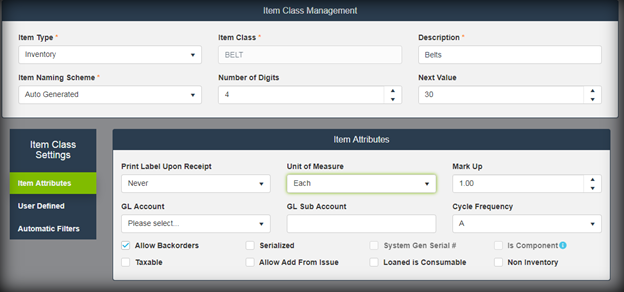
Item Class management determination of attributes for items created under that class. Items will inherit these attributes, but these can be edited at the item level. Allows for reporting an auto filtering by item class.
Configuration Options:
Allows for system wide configuration options. See configuration options spreadsheet for details.